How to Use the Google Review Icon to Build Customer Trust
Displaying the Google review icon on your website is an easy way to build immediate customer trust. Learn how to place, optimize, and troubleshoot review badges for maximum conversion rates.

What Is the Google Review Icon and Why Does It Matter?
When a customer searches for your business online, visual elements guide their decision-making. The familiar google review icon acts as a beacon of trust, signaling that your business is verified, active, and highly rated. Displaying this recognizable badge on your digital assets can dramatically improve conversion rates. Studies show that a strong online presence backed by visible social proof is critical for converting casual browsers into paying customers. Understanding how to display and maximize this small graphic can transform your local digital marketing strategy.
The Google review icon is a standardized visual graphic used to represent a business's rating and feedback profile on Google platforms. It typically appears as the multicolored Google "G" logo, a star graphic, or a combined rating badge on Search, Google Maps, and third-party websites. This asset acts as an immediate trust indicator for prospects researching your brand.
According to data from the BrightLocal Consumer Review Survey, 98% of consumers read online reviews for local businesses. The icon serves as a visual shortcut, telling users that your company has been vetted by real customers. It reduces the mental effort required for a user to determine if your business is credible.
How to Use the Google Review Icon on Your Website to Build Trust
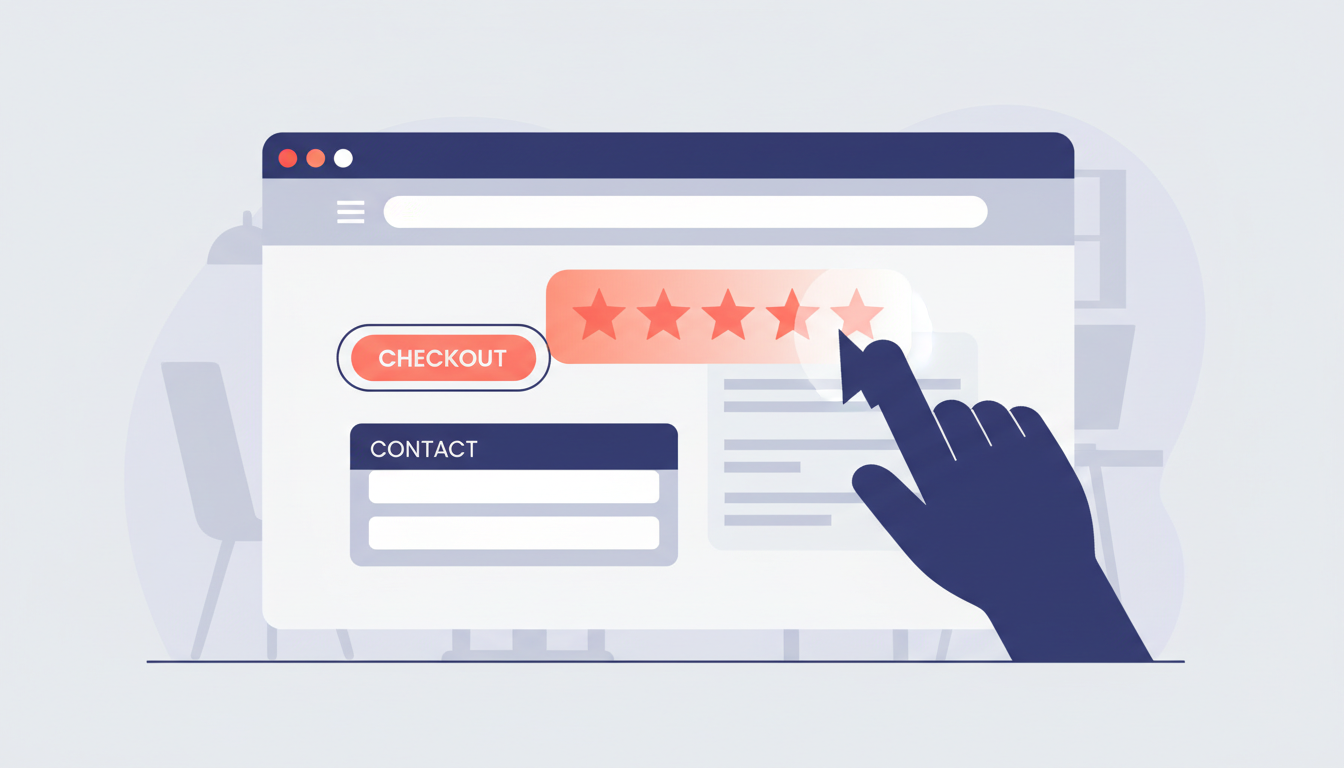
Adding the Google review icon to your website requires careful placement to maximize its effectiveness. Many business owners place the badge in their website header, where it is instantly visible to new visitors. Others choose to embed it directly into landing pages, placing it next to lead generation forms or product checkout buttons.
Using the official Google branding guidelines ensures your site maintains a professional appearance. You should use high-quality, scalable vector graphics (SVGs) for the icon to prevent pixelation on high-resolution screens. Do not stretch, recolor, or modify the icon, as altering the official design can diminish its brand recognition and authority.
Choosing Between Custom Code and Widget Templates
You can display the icon using custom code or pre-built website widgets. Custom development offers complete control over page loading speeds and design styling. Conversely, widgets provide a fast setup but can sometimes slow down your page if they load unnecessary scripts.
If your website speed is a priority, consider using a static SVG icon that links directly to your Google Business Profile review page. This method keeps your page lightweight while still providing the necessary trust signal to your visitors.
Free Tool
How Does Your Reputation Stack Up?
Get a free AI-powered analysis of your Google reviews in 30 seconds.
Run Your Free AuditFrom Rviewo's Platform
Businesses that visually highlight their reviews and make it simple for buyers to share their experiences see a substantial rise in participation. This observation mirrors data from Podium, which shows that 77% of consumers will leave a review if a business asks them. Minimizing the steps required to view or leave feedback directly increases your response rates.
The Psychology of Review Icons: Real Examples of Consumer Search Behavior
Human brains process visual images much faster than text. When a consumer sees a recognized brand badge, they instantly associate your website with the security and authority of that larger platform. This psychological shortcut is especially important when users search for specific local service providers.
Consider how users research local companies before making a final decision. They often search for a highly specific business name paired with feedback-seeking terms. For instance, a family looking for pediatric healthcare might search for papa bear pediatrics gregory curvan md phoenix reviews to confirm the doctor's bedside manner.
A business client looking for legal representation in Texas will search for the balderrama law group fort worth reviews to ensure the firm has a history of successful outcomes. This behavior applies to creative services and specialty studios too. Potential clients will actively search for terms like ink addiction tattoos llc lexington reviews, az sunset event planners reviews, or drop dead hair studio (val vista lakes) gilbert reviews to protect themselves from a poor service experience.
Why Visual Trust Cues Prevent Website Abandonment
When users land on a website from search engines, they immediately look for validation. Seeing a recognizable review graphic near the top of the page confirms that the business is reputable.
Let's look at how this search pattern manifests across different consumer industries. Diners looking for a new spot will search for cultivated table and sip house reviews, dubai girls cafe reviews, or the burger nest reviews to inspect the quality of the food and service. In the personal care sector, searches like l' amore nail lounge reviews or j&j nails salon llc laredo reviews are used to compare local salons.
Similarly, homeowners look up contractors using phrases like combat contracting reviews or the jam shop auto repair columbus reviews to avoid scams. Professional services also receive highly targeted queries, such as searches for christopher tchou reviews, the wild hair reviews, or c.s diana martinez llc reviews. In each scenario, displaying a visible review badge helps capture these high-intent customers right when they arrive on your site.
Illustrative Local Business Scenario
Consider a hypothetical boutique auto repair shop in Denver that struggled to convert online visitors into actual bookings. Many potential customers visited the contact page but left without scheduling an oil change or diagnostic service. After the shop added a recognized review badge next to their scheduling form, conversion rates improved because drivers instantly saw the shop's high rating.
Troubleshooting: Why is My Google Review Icon Missing or Broken?
A broken review graphic or widget can harm your credibility, as it makes your website look unmaintained. If your review icon or rating widget is not appearing correctly, several common technical issues could be the cause.
API Key and Integration Failures
Most dynamic review widgets rely on the Google Places API to fetch your rating data in real time. If your Google Cloud project is misconfigured, or if your billing details are outdated, the API will fail to send data.
To fix this, check your Google Cloud Console to ensure your API keys are active and have the correct permissions. You should also verify that the widget's script has not been blocked by your website's security plug-ins or content delivery network (CDN) settings.
Schema Markup and Structured Data Errors
Sometimes the icon is missing from search engine results pages rather than your own website. If your star ratings are not showing up next to your organic search listing, your schema markup is likely incorrect or missing.
Using LocalBusiness schema markup with aggregateRating properties tells search engine crawlers exactly where your review data is located. Without this structured data, search engines cannot display your review stars directly in the search results. You can use Google's Rich Results Test tool to check your website's code for schema errors.
Improving Your Click-Through Rates with Verified Reviews
While standard trust badges are helpful, today's buyers are increasingly skeptical of static graphics. They want to know that the feedback behind the badge is genuine and unmanipulated. Fake reviews have made consumers cautious, which is why verifying your feedback source is essential for maintaining long-term credibility.
Using tools that highlight authentic, validated customer sentiment helps protect your business from trust inflation. If you want to see how high-quality platforms verify and grade customer feedback, read about What are Rviewo Reviews? to see how AI analysis and geolocation checks ensure review authenticity.
Ensuring high review quality is directly linked to business growth. According to research from the Harvard Business School, a one-star increase in a business's rating can lead to a 5% to 9% increase in revenue. Displaying verified reviews alongside your trust badges builds the ultimate foundation for customer acquisition.
This visual proof also aids in keeping the customers you already have. According to customer retention research from Bain & Company, boosting customer retention rates by just 5% can increase overall company profits by 25% to 95%. When customers see that your business consistently values and displays authentic reviews, their confidence in your brand increases, making them more likely to return.
Action Steps for Optimizing Your Review Visuals
To make the most of your digital reputation, follow these clear, practical steps to optimize your review displays:
- Select high-quality official assets: Use official vector files (SVGs) for the icon to keep your web design crisp and professional.
- Place badges in high-converting areas: Position your review ratings near contact forms, call-to-action buttons, and checkout pages.
- Ensure mobile responsiveness: Test how your review widgets scale on mobile viewports to prevent layout breakages.
- Implement structured data: Add LocalBusiness and aggregateRating schema to your website so search engines can display star ratings in search listings.
- Monitor API connections monthly: Periodically check your widget connections to ensure your review count and star ratings stay updated.
Connecting Your Trust Visuals to Modern Reputation Management
Adding a visual icon to your website is only the first step in building a strong online reputation. To truly benefit from customer feedback, businesses must actively monitor, manage, and respond to what customers are saying. This is where advanced tools become invaluable.
Reputation management platforms like Rviewo help businesses automate this entire workflow. By deploying smart QR codes and utilizing features like Reputation Command, you can capture real-time customer sentiment, draft AI-powered review responses, and automatically encourage happy customers to leave reviews on Google. This approach ensures your review icon always displays a high star rating backed by an active, positive community.
Sources
- Consumer Review Survey, BrightLocal, 2024
- The State of Online Reviews, Podium, 2023
- Reviews, Reputation, and Revenue: The Case of Yelp.com, Harvard Business School, 2016
- Prescription for Cutting Costs, Bain & Company, 2001
Related reading
- How to Find the Most Relevant Reviews: A Guide for Local Businesses
- How to Feature Customer Reviews on Your Website for Maximum Impact
- How to Encourage Detailed Reviews Instead of Just Star Ratings
- What Makes a Customer More Likely to Leave a Review? The Science of Feedback
- What Percentage of Customers Leave Reviews After a Purchase?
Try It Now
See Your Reputation Score
Search any business for an instant AI-powered reputation analysis — free.
For Business Owners
Know what customers really think.
Collect real feedback, manage your Google reputation, and grow with Rviewo's AI platform.
Get Started Free →For Consumers
Find great businesses.
Get rewarded for your feedback.
Discover top-rated local businesses and earn real rewards every time you share your honest experience with them.
Join Free & Earn Rewards →

